
Choosing the right file format for KDP is the difference between a seamless launch and a layout disaster. Submitting the wrong format can quietly ruin your book's readability and lead to negative reviews.
This guide compares EPUB vs PDF for KDP uploads. For professional formatting help, check out DesignDile's expert KDP formatting services or see our comparison of Kindle vs Print eBook formatting for more design principles.
Book Format vs. Upload File Decision Matrix
Here is a quick reference table showing which file format to submit based on your book format and publishing goals:
Book Format | Upload File | Used For |
|---|---|---|
Kindle eBook | EPUB | Digital reading on e-readers, tablets, and phones |
Paperback | Physical softcover printing on KDP or IngramSpark | |
Hardcover | Physical case laminate or dust jacket printing | |
Fixed-Layout eBook | KPF or Fixed EPUB | Children's books, cookbooks, textbooks with complex layouts |
For print layouts, you must ensure your PDF meets specific standards. Read our guide on what is a print-ready PDF to avoid validation errors.
When is EPUB Required?
An EPUB file is required for Kindle eBooks and digital distribution. Because readers access eBooks on devices ranging from small phones to large tablets, the text must be reflowable. EPUB allows the user to customize their reading experience—changing font size, style, and contrast—while ensuring the content formats correctly without requiring horizontal scrolling.
When is PDF Required?
A PDF is required whenever you are publishing print formats (paperback or hardcover) on KDP or IngramSpark. Print production relies on a fixed layout, meaning every page margin, page break, and font placement must remain identical to how the designer built it. PDF acts as a digital photograph of your page, ensuring the printer prints exactly what you designed.
Why Print PDFs Fail as eBooks
Uploading a print-ready PDF to KDP for a Kindle eBook is a recipe for disaster. Because PDFs lock elements into fixed layouts, they do not reflow on screens. On a mobile phone, the print page scales down, making the text microscopic and unreadable. KDP's automatic conversion of PDFs often leaves titles, page headers, page numbers, and images completely scattered and out of order.
Why EPUBs Cannot Control Print Layout
Conversely, you cannot upload an EPUB file for print publishing. Print layout requires millimeter-level control over margins, spine width, page counts, running headers, and footers. Because EPUB text flows dynamically, the page count changes depending on the viewer's screen settings, making it impossible for physical printing machines to determine where to cut pages or size the cover spine.
The Takeaway
EPUB is for screen; PDF is for paper. Trying to force one format into the other leads to errors and frustration. Let DesignDile handle your book files with our professional KDP formatting services.
Frequently Asked Questions
Sources & Technical References
Related reading
Industry Trends
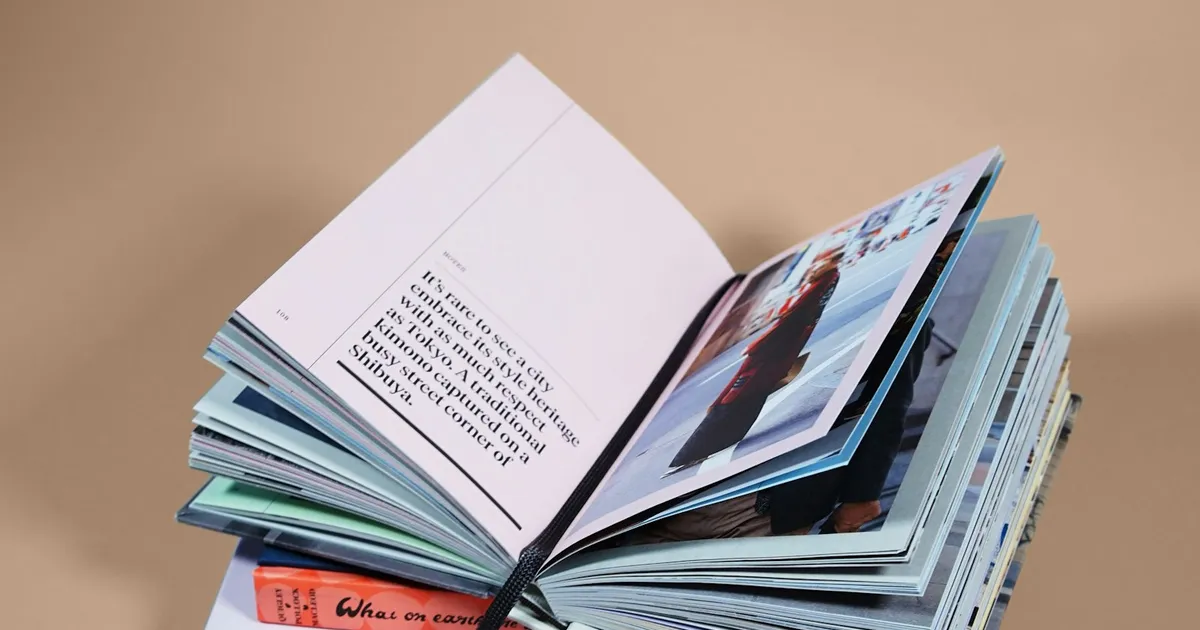
Kindle vs Print Formatting: Why Your eBook and Paperback Need Different Layouts
8 min read
Binding/Specialty
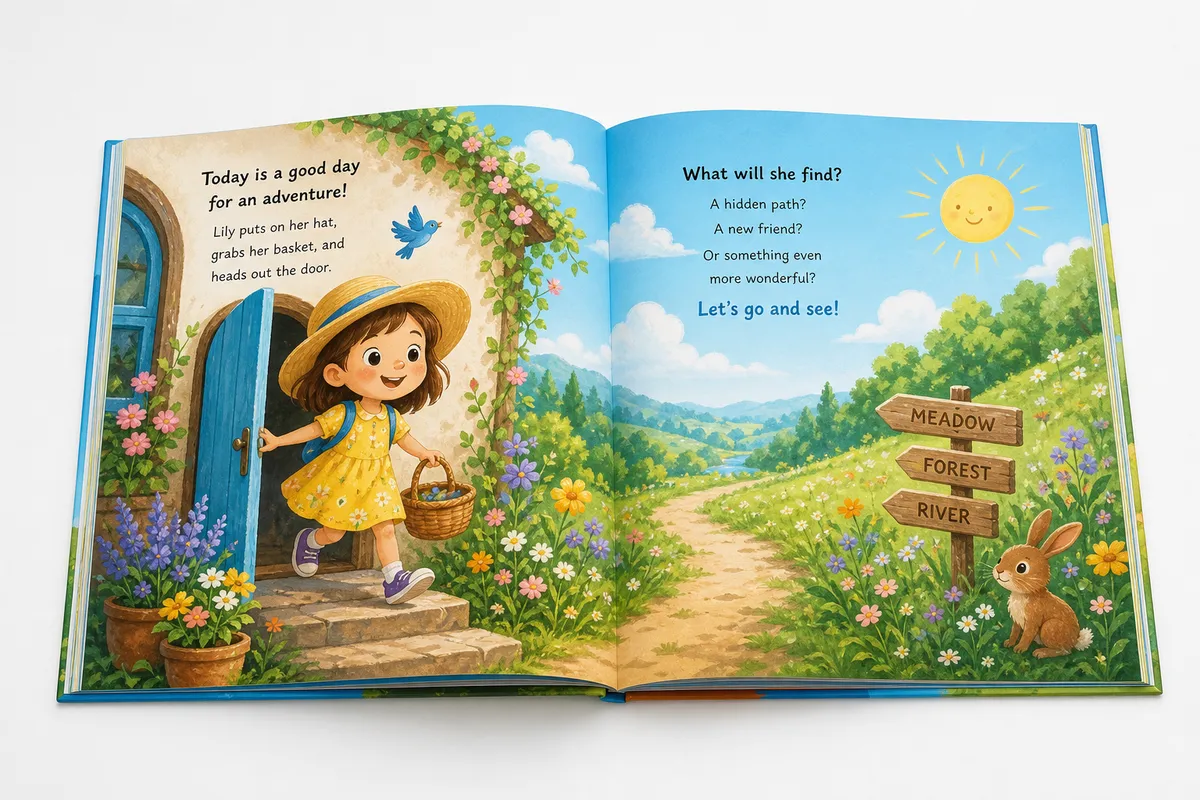
Children's Picture Book Formatting for KDP: 2026 Complete Guide to Bleed, Trim & Fixed Layout
9 min read

KDP Formatting
How to Choose the Perfect Book Trim Size: 2026 KDP & IngramSpark Guide
12 min read
Explore our eBook formatting, read Kindle vs print formatting, see portfolio, or view transparent pricing.