Award-Winning
Design For Authors
Who Demand More.
Every service for covers, interiors, and digital publishing.
Professional workflows for indie authors and publishers.
Print-ready files for KDP, IngramSpark, and beyond.

Custom Cover Design
Print, eBook & Audiobook Covers
KDP Interior Formatting
Paperback, Hardcover & eBook
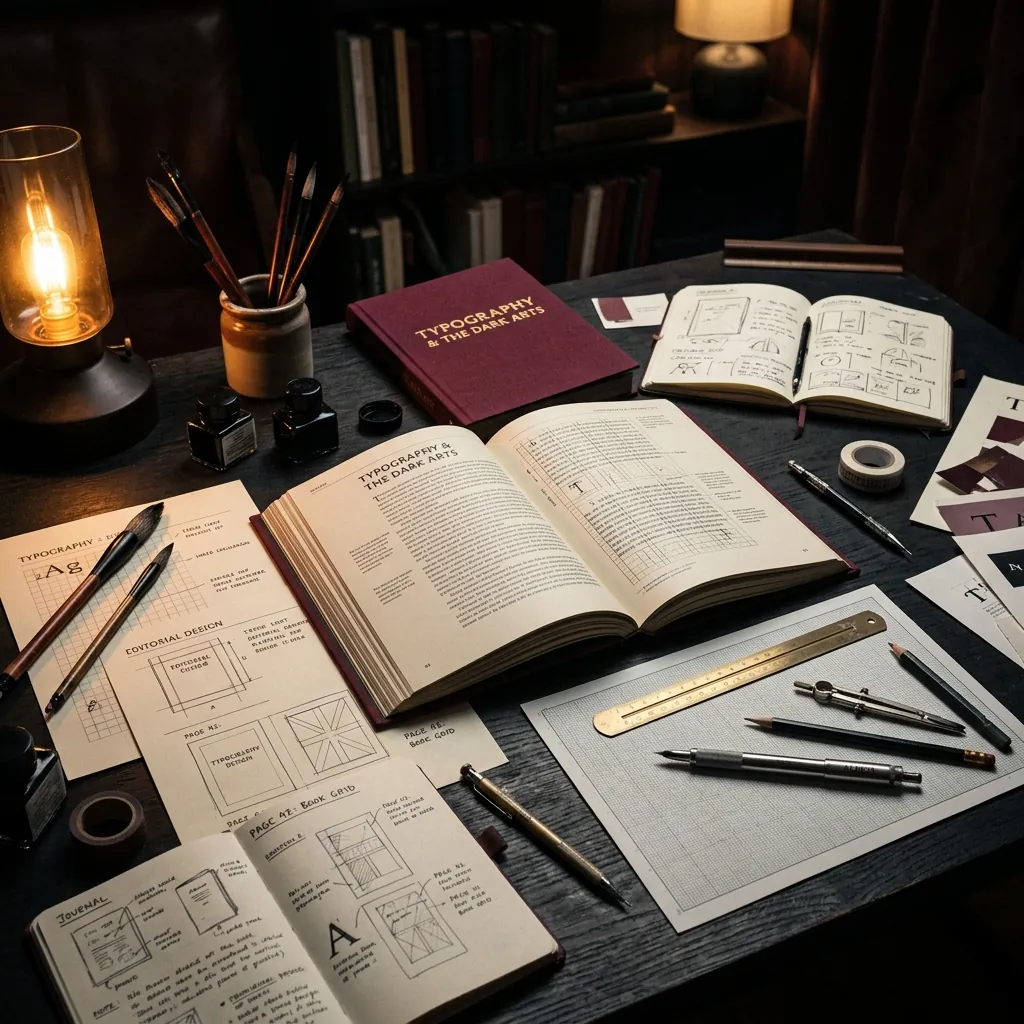
Typography Audits
Readable. Professional. On-brand.
3D Book Mockups
Stunning visuals that sell
100% Original
Unique design guaranteed
On-Time Delivery
Reliable & deadline-focused
Direct Support
Clear communication at every step
BOOK DESIGN
CATEGORIES
From KDP bestsellers to custom boutique layouts — browse our specialized service catalogs designed to scale your authorship.
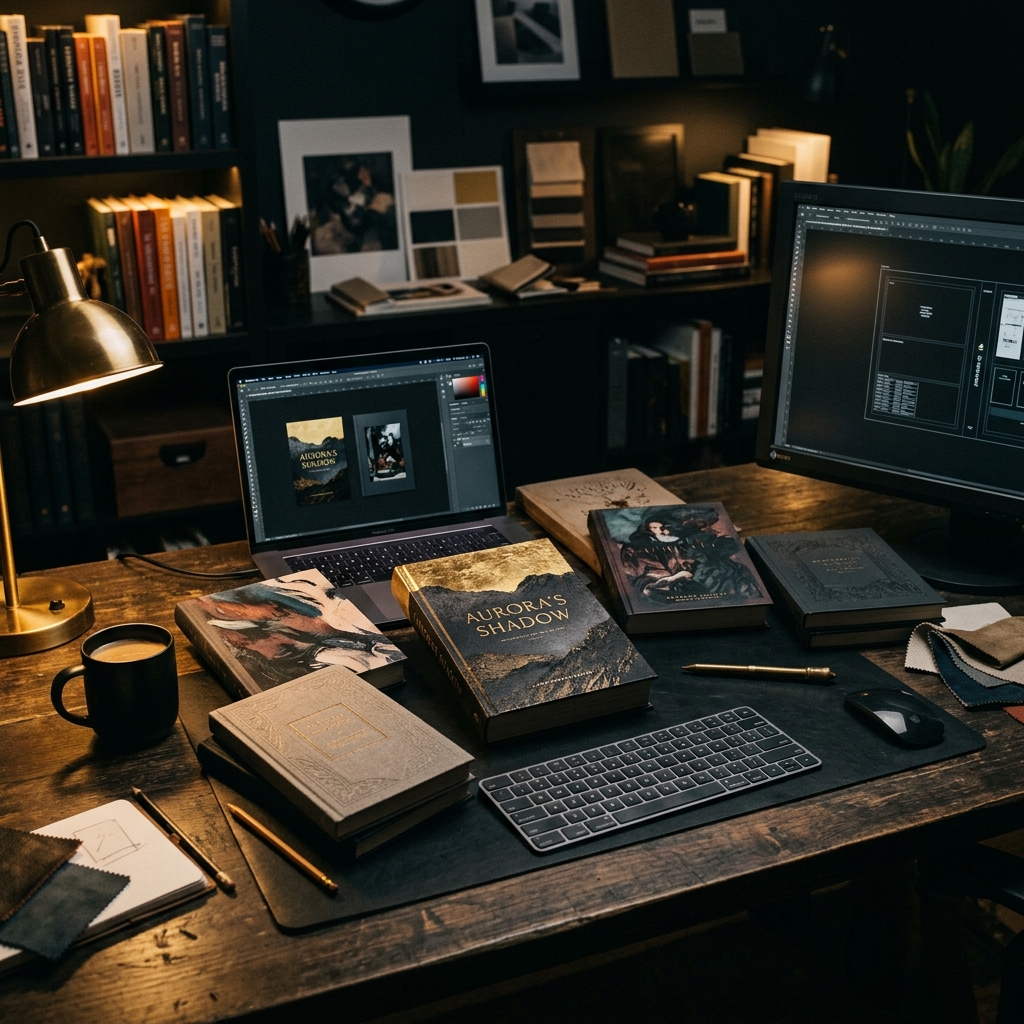
Book Cover Design
Genre-targeted covers that stop the scroll

Interior Formatting
Professional typesetting for print & digital
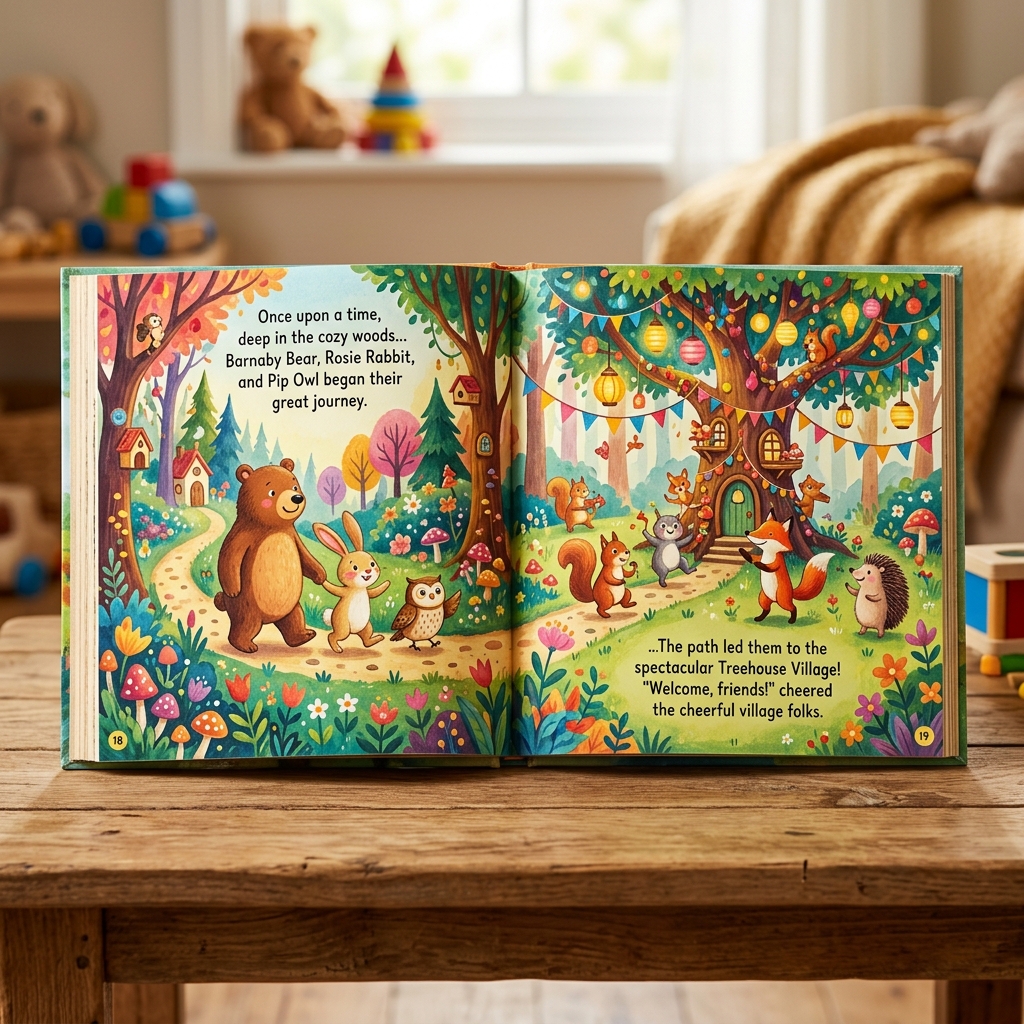
Children's Books
Illustrated storybook layouts & covers

Amazon KDP
KDP print, Kindle & Hardcover ready files
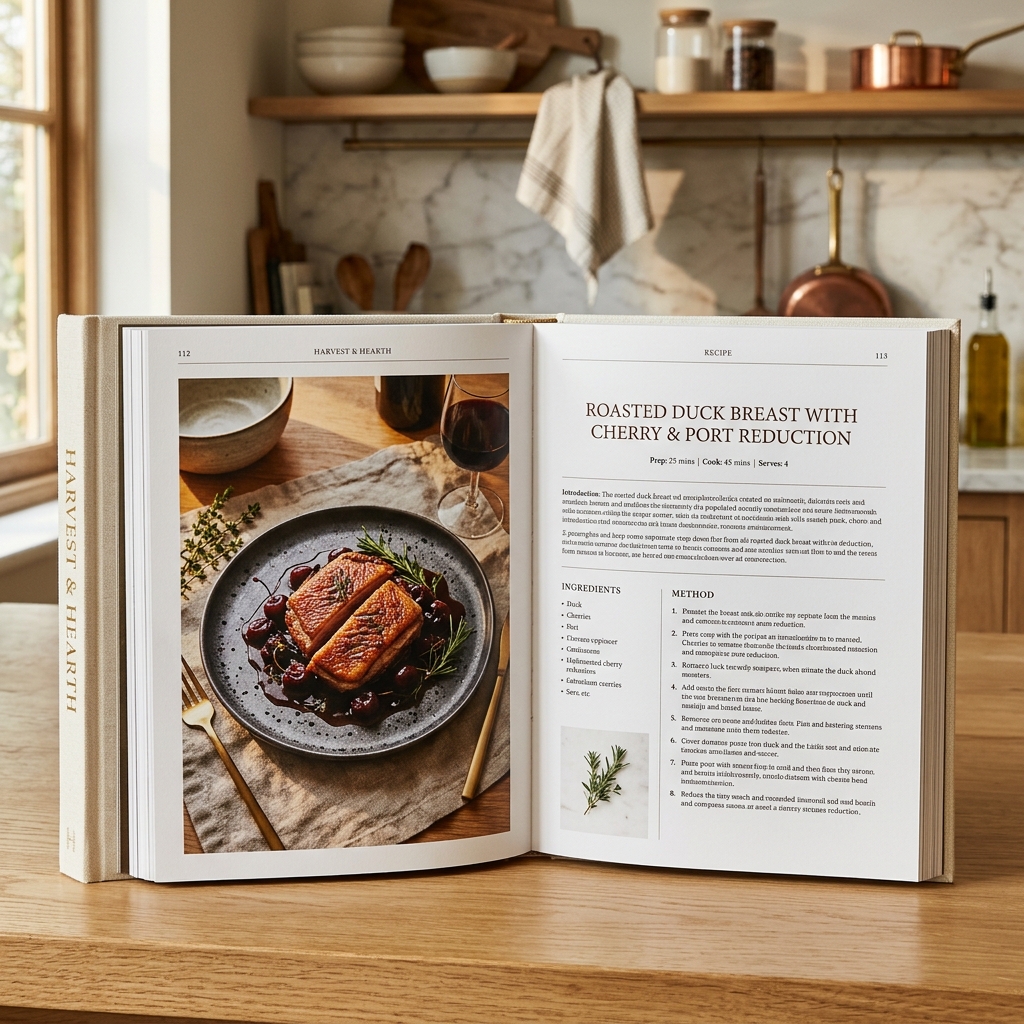
Cookbook Design
Recipe layouts with stunning food photography
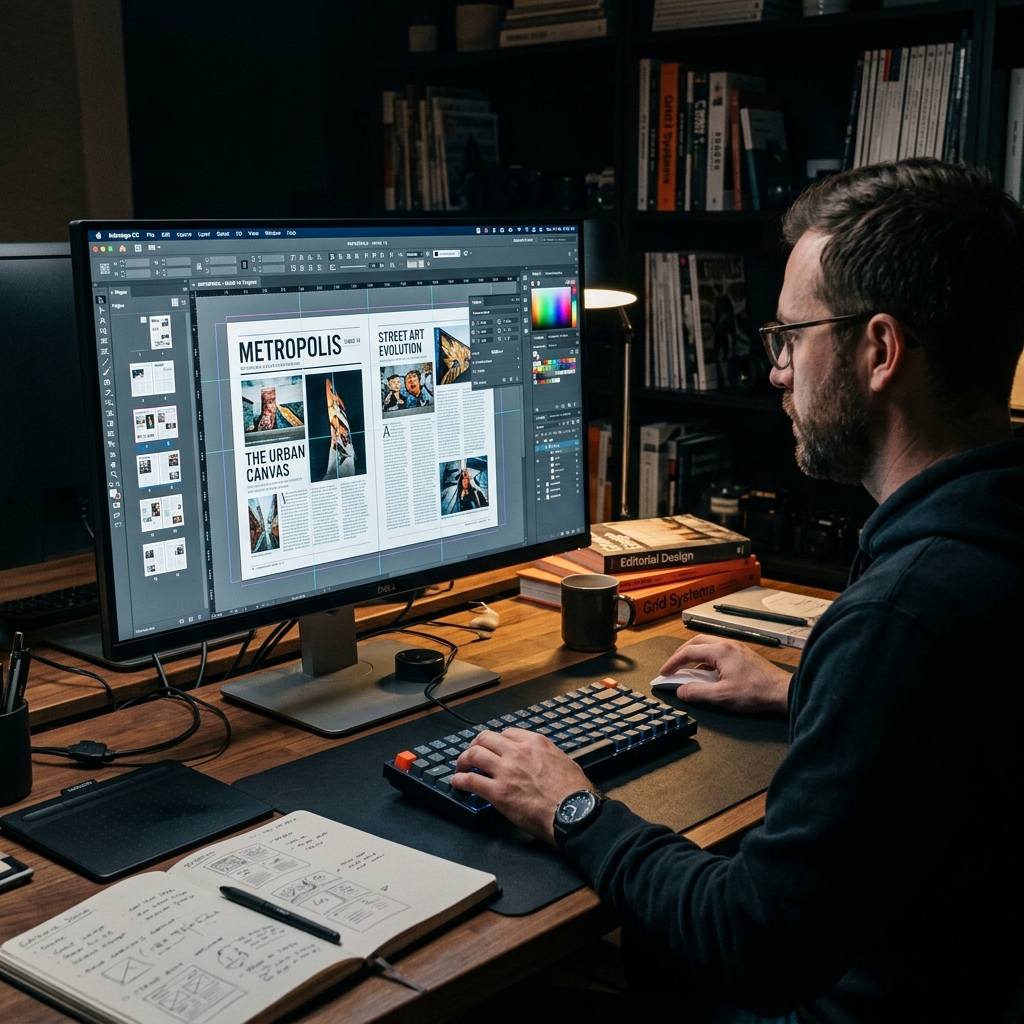
InDesign Layout
Adobe InDesign for journals & magazines
IngramSpark
CMYK press-ready files for global distribution
Lulu Press
Trim-perfect files for Lulu print-on-demand

EPUB & eBook
Reflowable & fixed-layout digital publishing

Author Branding
Visual identity systems for authors
Memoir & Biography
Elegant storytelling design for life stories
Fantasy & Sci-Fi
Dramatic covers for epic genre fiction
Selected
Works.
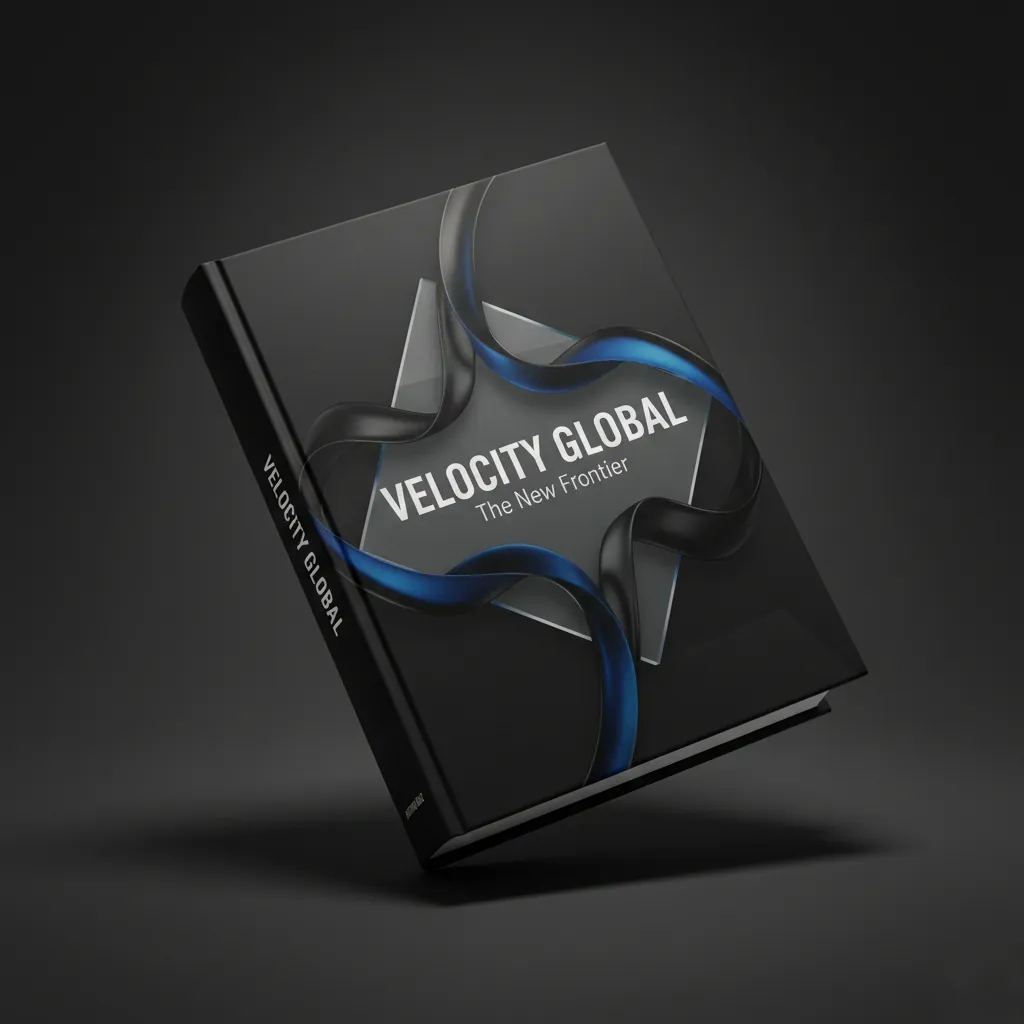
Fiction
Victory Global
by Marcus V. Sterling

Non-Fiction
FOOD DELICIOUS COOKBOOK
by Elena Rossi

Romance
Stronger Every Sunrise
by Aria Thorne
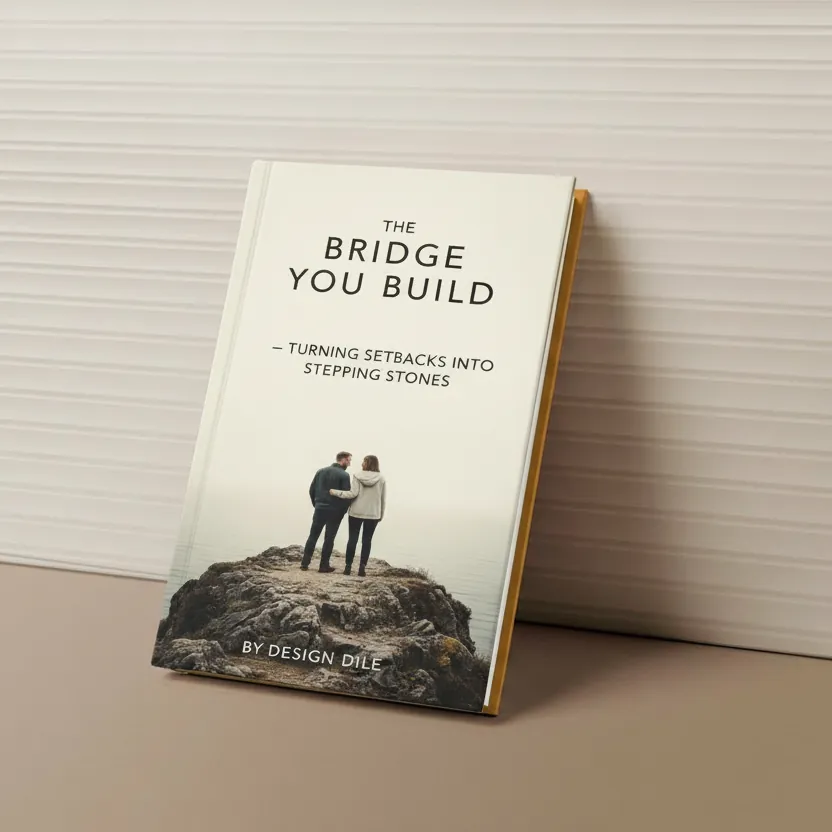
Thriller
The Bridge You Build
by Elena Brooks
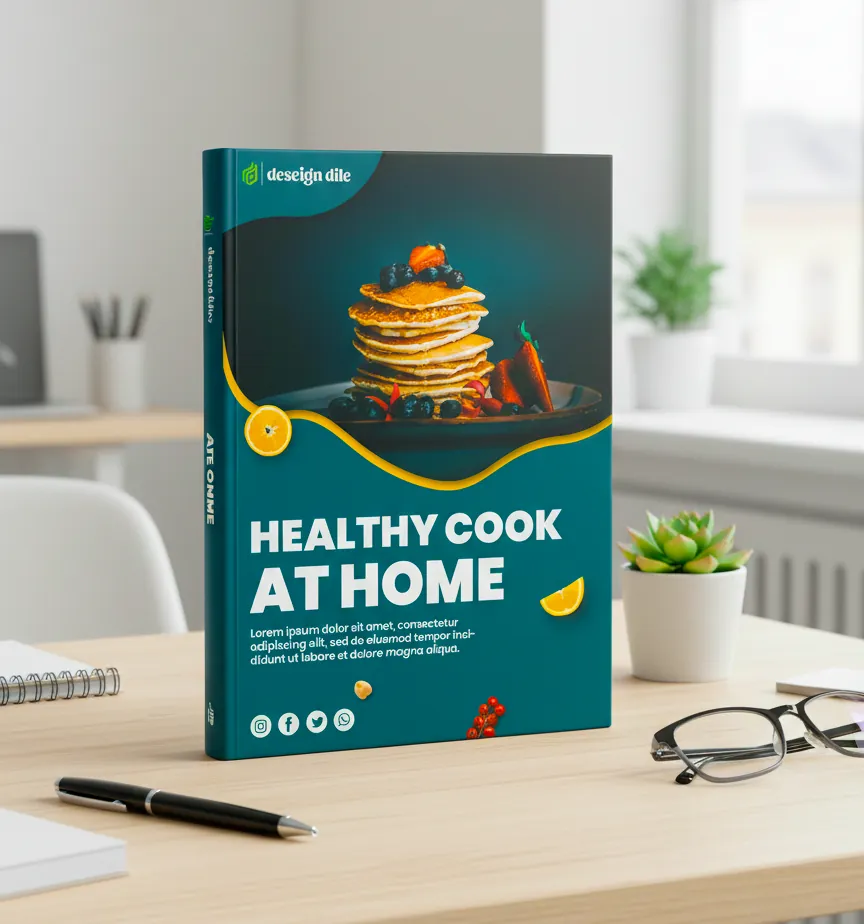
Non-Fiction
Healthy Cook at Home
by Sarah Greenhouse

Non-Fiction
Building a Successful Startup
by Jonathan Pierce
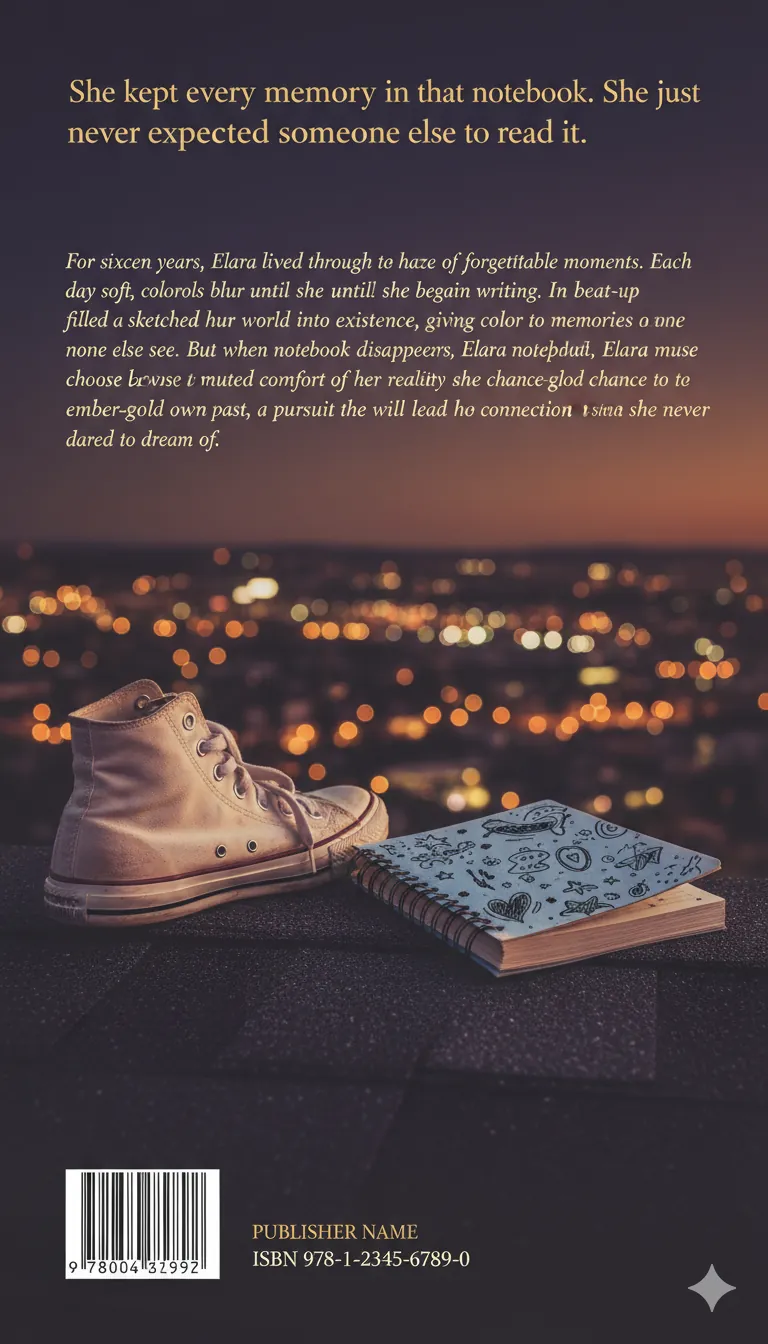
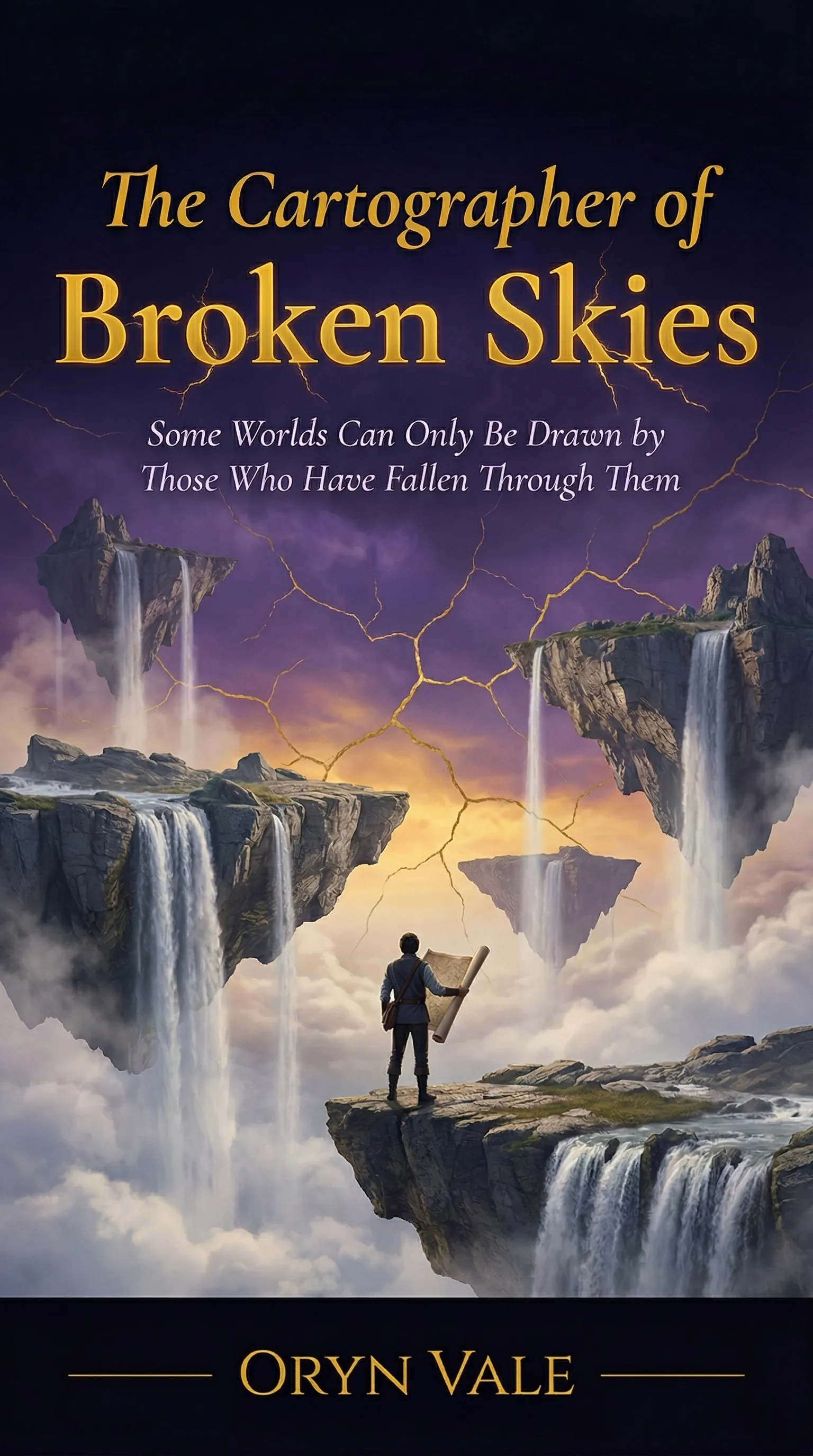
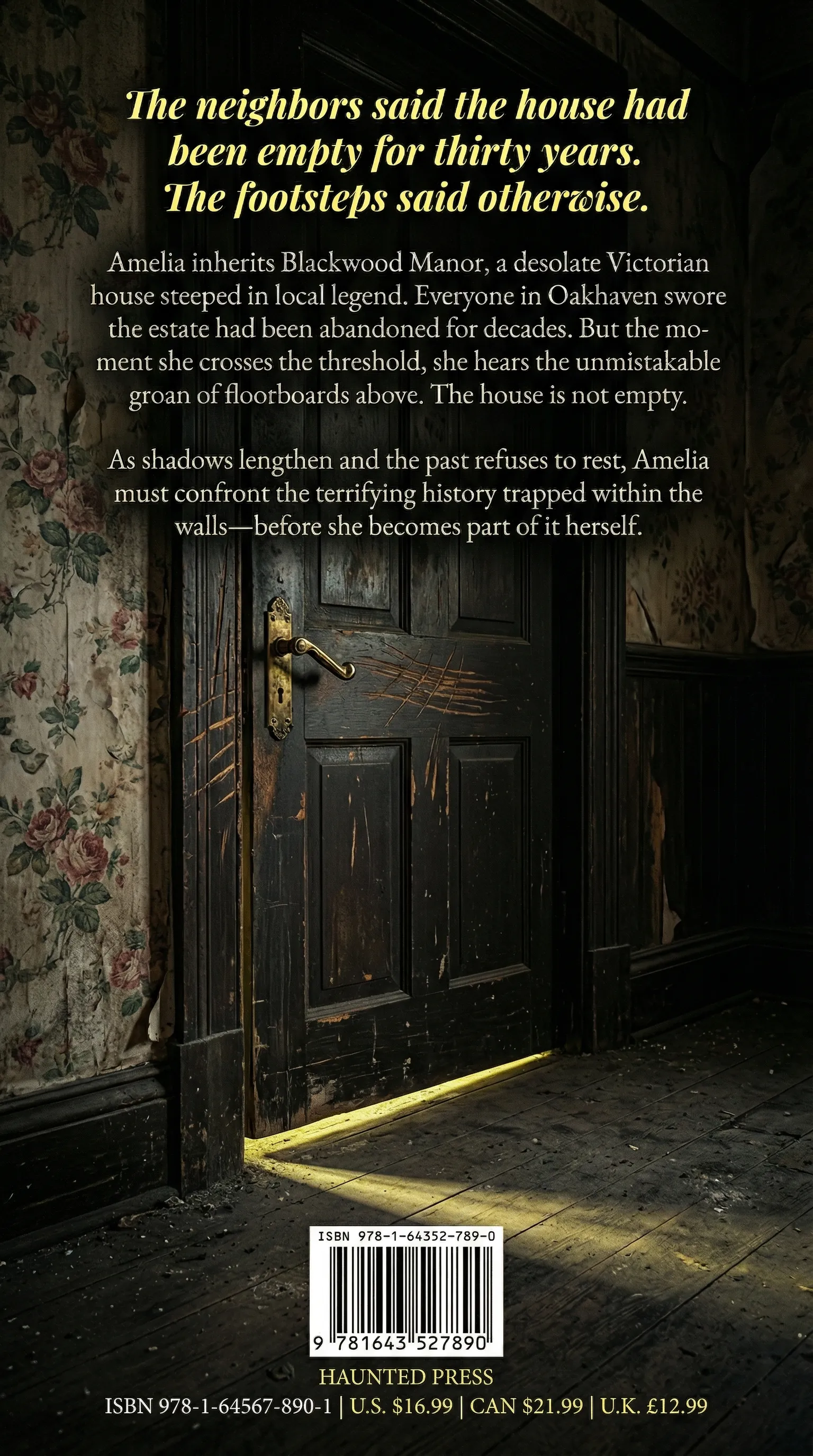

Our Philosophy
Strategic Precision
Every typography, margin, trim, image, category, and cover choice is backed by publishing standards.
Technical Mastery
Professional interiors, InDesign files, EPUBs, covers, and print PDFs are built for real publishing platforms.
Market Impact
Books are products; we design the full reading experience from page one to the sales thumbnail.
Author-Centric
Design begins with you and your story at the center of every decision.
Print‑Ready Quality
Assets optimized for every platform, printer, and device without compromise.
Timely Delivery
Fast turnarounds backed by a disciplined, transparent workflow.
The Science of
First Impressions.
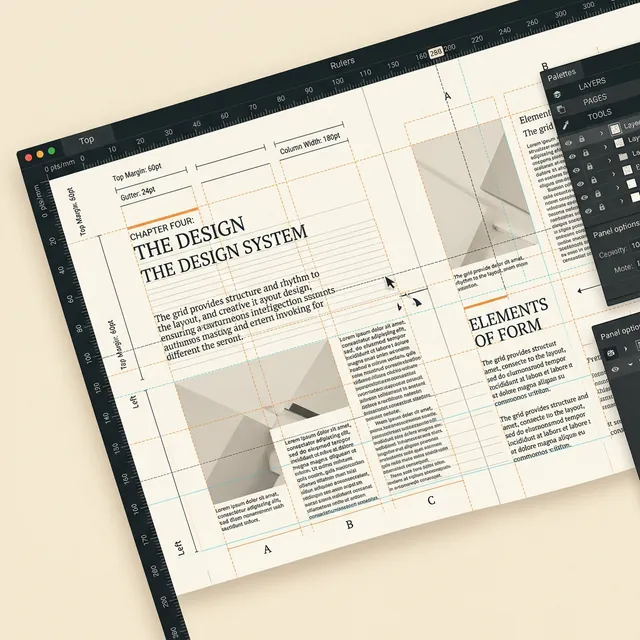
We believe book design is 40% intuition and 60% engineering. Every layout we produce is built on a mathematical grid system derived from classical typography standards. This ensures that no matter the device or printer, your book remains structurally sound and visually balanced.
The Process
Standardized workflows for predictable excellence.
Discovery
We analyze your manuscript, category, trim size, platform, and publishing goals.
Direction
We define the interior system, typography, cover direction, and production requirements.
Design
We build the book in a precise editorial layout workflow, from pages to cover files.
Delivery
You receive print-ready PDFs, EPUB or digital files, editable sources when included, and launch assets.
CompleteBook
Design&
Formatting.
Bespoke editorial architecture, InDesign formatting, interiors, covers, and publishing files for every kind of author project.
Interior Formatting
Precision typesetting, chapter styling, indexes, image placement, and custom book interiors.
Explore ServiceInDesign Layout
Professional Adobe InDesign formatting for print books, workbooks, cookbooks, journals, and illustrated interiors.
Explore ServiceKDP & POD Files
KDP, IngramSpark, Lulu, paperback, hardcover, EPUB, and print-ready PDF setup.
Explore ServiceCovers & Categories
Cover design and complete layouts for fiction, nonfiction, children's storybooks, memoirs, cookbooks, poetry, and more.
Explore ServiceHUMAN-MADE ARTISTRY.
In an era of lazy AI generation, we double down on professional manual craftsmanship. Your book deserves more than an algorithm's guess.
Editorial Strategy
Unlike AI-generated templates, we begin with a deep dive into your manuscript's genre architecture. We select custom typography and grids that serve your narrative, ensuring a bespoke reader experience.
Manual Typesetting
Every page is hand-set in Adobe InDesign by experts. We manually manage rags, widows, and orphans—technical details that automated AI tools consistently miss, resulting in a premium, professional finish.
KDP-Ready Lockdown
Our human eye catches what algorithms overlook. We perform a manual 20-point technical check on bleeds, gutter math, and PDF transparency, guaranteeing a flawless 100% first-pass approval on Amazon.
THE SILENT
WITNESS.
"Award-winning book design meets bold typography."

The Silent Witness
GLOBAL RECOGNITION.
Celebrating excellence in editorial design and typography.
Our Track Record
Author Success.
"DesignDile turned my fantasy manuscript into an absolute masterpiece. The print layout is flawless, and the cover design has already doubled my pre-orders. I couldn't be happier!"
"The typesetting is top-tier. They handled my complex charts and index in Adobe InDesign with complete professionalism. 100% compliant with KDP and IngramSpark on the first upload."
"Working with Tanzeel and the team was a dream. They captured the exact emotional tone of my memoir in the cover design. Unlimited revisions and stellar communication throughout."
"Outstanding sci-fi cover design! They created an atmospheric, cinematic scene that perfectly matches the scale of my space opera. Formatting was clean and uploaded without a single warning."
"As an academic, I was worried about formatting my diagrams and footnotes. The team at DesignDile executed it perfectly in InDesign. Clean, professional, and very easy to work with."
"Absolutely brilliant work. The thrill and suspense of my novel are reflected right on the cover. Their KDP spine calculator saved me hours of bleed adjustments."
"The design process was incredibly collaborative. They took my rough ideas for a dark fantasy cover and turned it into an award-winning layout. The internal typography is absolutely beautiful."
"DesignDile is the absolute gold standard. I was struggling with formatting issues on IngramSpark for weeks until I handed it to them. They returned a fully compliant PDF in under 4 days!"
"As a self-published poet, finding someone who understands the spatial breathing room of verse is hard. They designed a gorgeous, minimal interior that lets the text sing. Highly recommend."
"The team created a custom children's book layout that is vibrant and readable. They went above and beyond to make sure the illustrations aligned perfectly with the text on all devices."
"Outstanding formatting for my self-help guide. The callout boxes, pull quotes, and chapter dividers look incredibly professional. The EPUB version flows perfectly on Kindle."
"I've worked with several formatting services, but DesignDile is by far the most professional. Their custom InDesign templates are pristine, and the final files uploaded to KDP on the first try."
Award-Winning
Design Agency
Best Book Design Agency
Top design agency for self-publishing authors & indie publishers globally
100% Job Success
Top-rated Plus provider among global book designers

Top 1 Book Cover Design
Top 1 Book Cover Design and Formatting Companies on Clutch 2026
Best Book Layout Agency
Recognised among best book layout and formatting agencies
Top Rated Seller
Level 2 Top Rated seller in book design category

Featured Book Design
Multiple cover and interior designs featured in Adobe Behance galleries

Instant Answers.
How much does professional book design and formatting cost in 2026?
In 2026, professional book formatting typically ranges from $150 to $800 depending on complexity. At DesignDile, we offer competitive packages starting at $99 for fiction and $199 for complex non-fiction, providing a significantly better value than expensive agencies while maintaining premium manual quality.
What is the difference between KDP and IngramSpark formatting?
The main difference lies in the bleed settings and color profiles. IngramSpark requires a strict CMYK workflow with specific total ink coverage limits (240% max for rich black), whereas Amazon KDP is more forgiving with RGB submission but has tighter margin tolerances. We prepare separate, press-ready PDF files for each platform to ensure error-free printing.
Why is my KDP file getting rejected?
KDP files are typically rejected due to three common errors: insufficient bleed margins (images not extending 0.125 inch beyond trim), font embedding issues (using restricted licenses), or live elements (text/logos) crossing into the 'safe zone'. Our validation process captures these errors before you ever hit upload.
Frequently Asked Questions.
Everything authors ask before working with DesignDile.
Transparent Pricing
Choose the package that fits your publishing goals. All prices include professional quality and unlimited support.
💰 Custom quotes available for books over 300 pages or complex projects
Essential
Perfect for first-time authors on a budget
⏱ Turnaround: 10-14 business days
Revisions
2 revision rounds
Includes
- Professional book cover design
- High-resolution cover files (300 DPI)
- JPEG, PDF, and PNG formats
- Basic KDP compliance check
Professional
Our most popular tier for indie publishers
⏱ Turnaround: 7-10 business days
Revisions
5 revision rounds
Includes
- Custom book cover design
- Professional interior formatting (up to 300 pages)
- KDP, IngramSpark, and Lulu compliant files
- EPUB format for digital distribution
- Print-ready PDF with bleed & trim marks
- Source files included
Premium
Complete publication package with white-glove service
⏱ Turnaround: 5-7 business days or rush available
Revisions
Unlimited revision rounds
Includes
- Complete book design: cover + interior
- Custom illustrations or photo editing
- Multi-format support (EPUB, MOBI, PDF)
- All platform compliance files
- Brand guidelines documentation
- Priority support & consultation
- Marketing cover variations
✅ 100% Human-Made
Zero AI-generated covers. Every design is hand-crafted by professional designers.
🚀 First-Pass Approval
KDP, IngramSpark, and Lulu files guaranteed 100% compliant on first submission.
💬 Lifetime Support
Questions after delivery? We're here to help. Email us anytime.
Looking for something different? Contact us for custom quotes.
Get a Custom Quote